
SHAREit
SHAREit is a free Windows app from the SHAREit Team for moving photos, videos and documents between a PC and a phone. The current version is 5.1.0.7.
22.7 MB

Tftpd64 is a free Windows TFTP server and client by Philippe Jounin, used by network engineers to update and configure devices.
Average 0.0 · ratings: 0
Thank you! Your rating is saved; you can change it. Could not save the rating. Please try again later. Too many ratings from your network today. Please try again tomorrow. The average appears after 5 ratings.
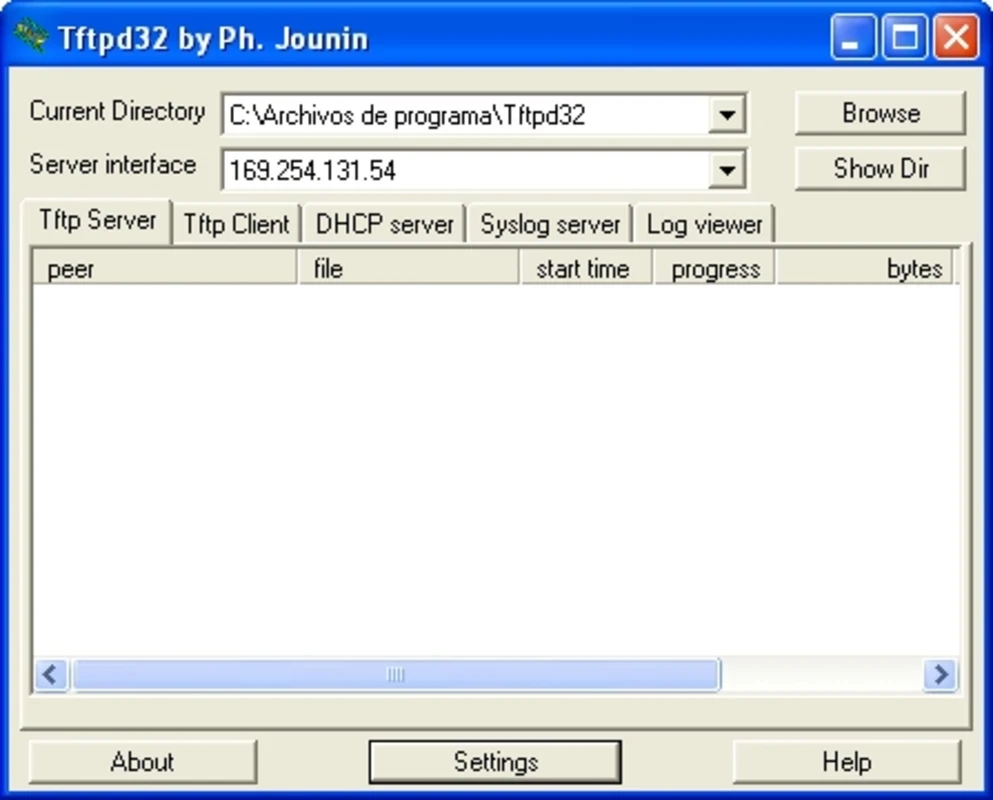
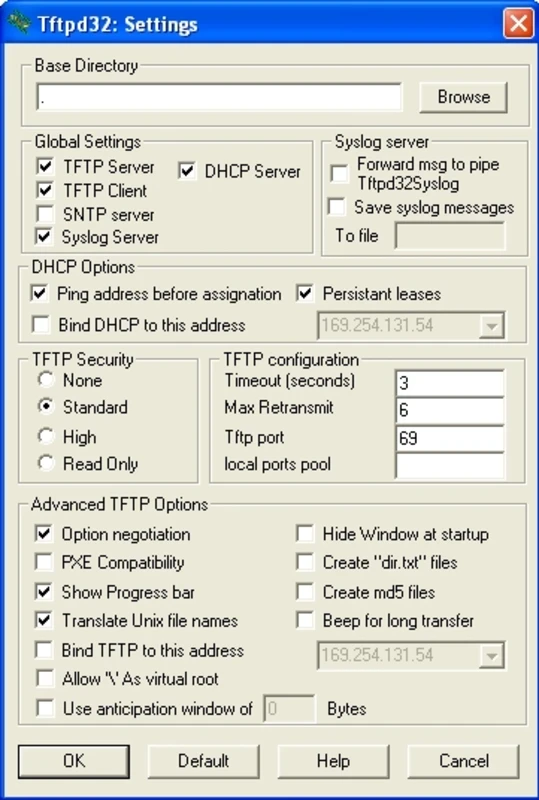
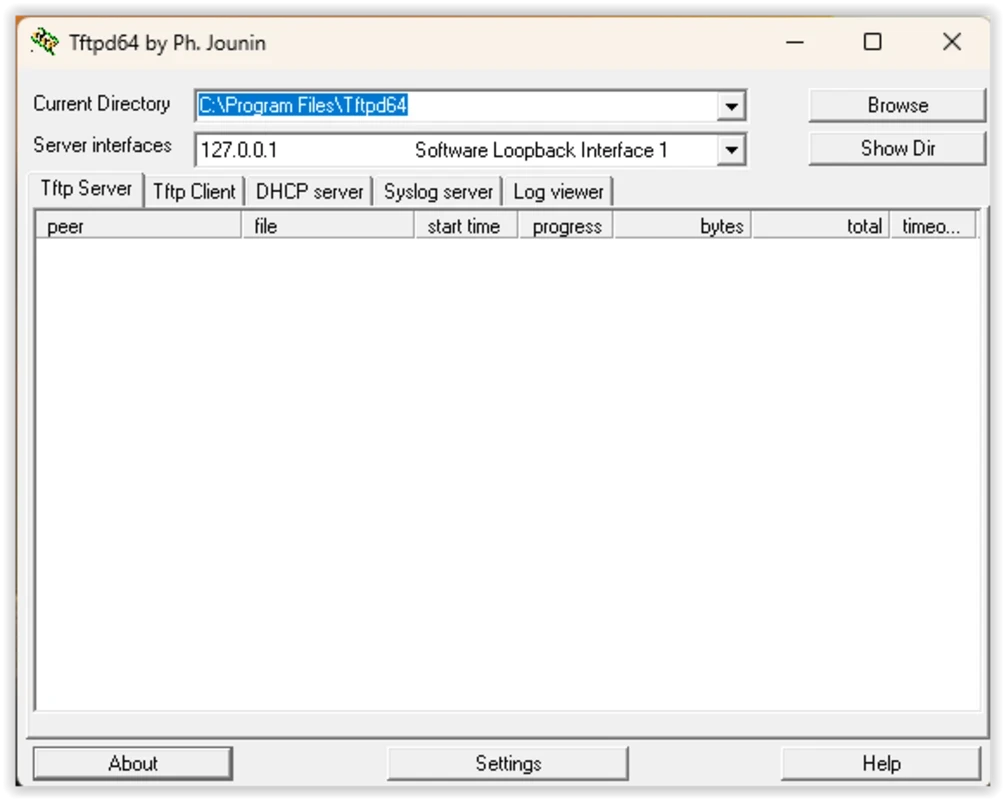
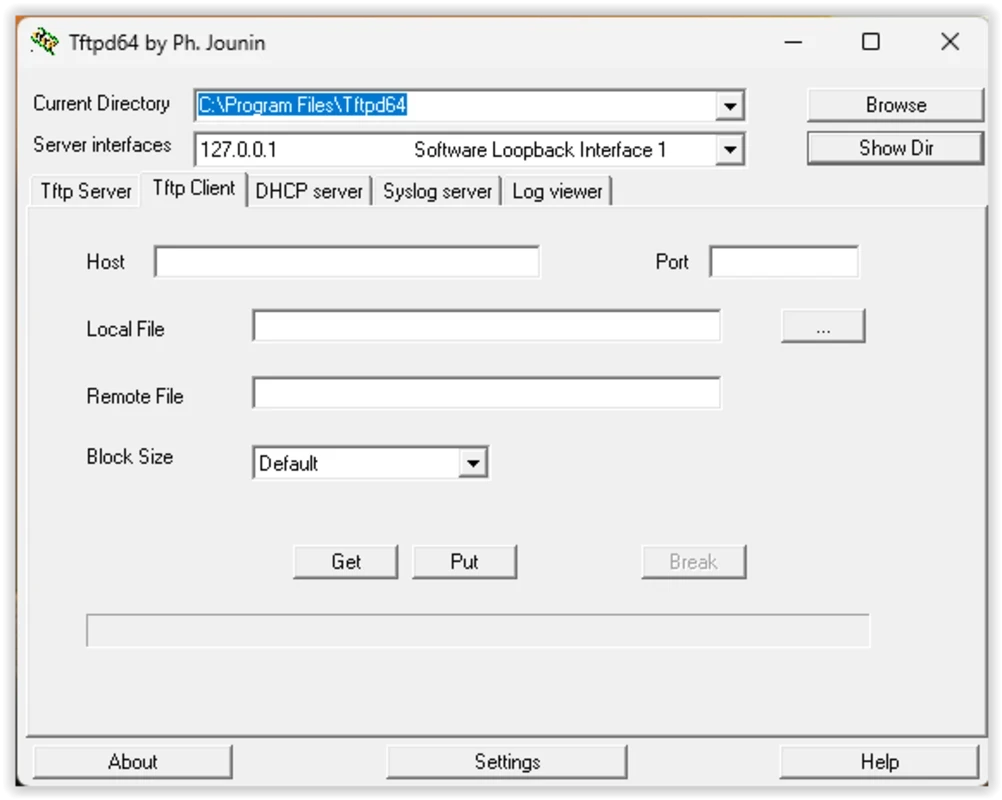
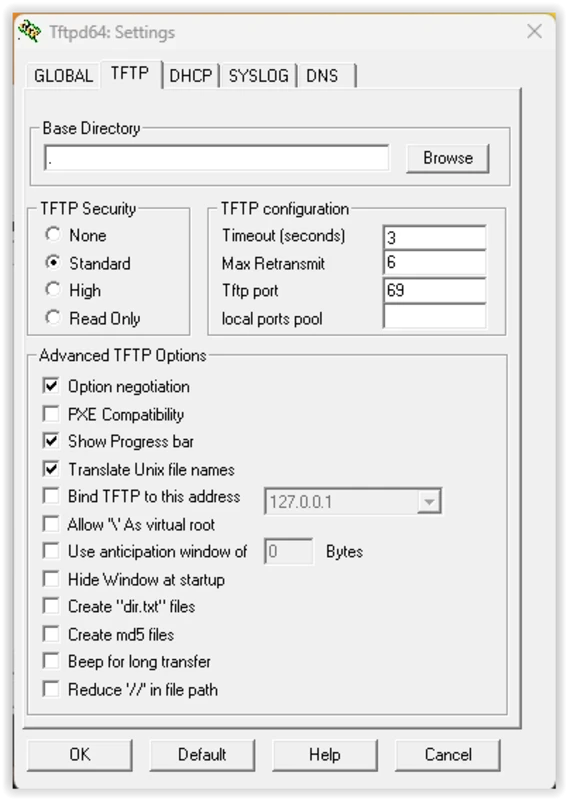
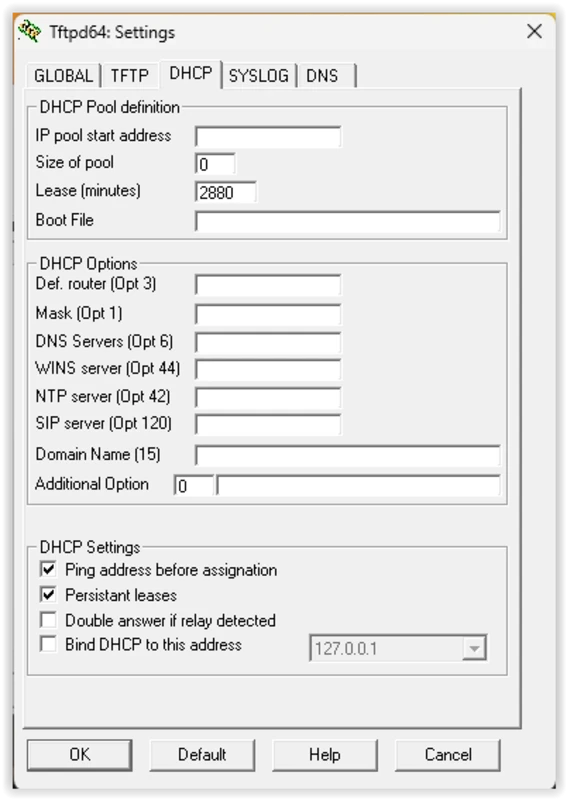
TFTP 4.74, better known as Tftpd64, is a free TFTP server and client for Windows written by Philippe Jounin. Network engineers download TFTP for Windows to send firmware and configuration files to routers, switches, IP phones and other devices on a local network.
TFTP, the Trivial File Transfer Protocol, is a very simple way of moving files over a network. It has no user accounts, no folders to browse and no encryption, which sounds primitive, but that simplicity is exactly why devices use it: a router's boot loader, a switch or a VoIP phone can fetch a file over TFTP with a tiny amount of code. When you upgrade a device's firmware, restore a backup configuration or boot a computer over the network, the device often expects to find a TFTP server nearby. Tftpd64 turns a Windows PC into that server. You point it to a folder, and any device on the network can download files from it or upload to it. The program also includes other small services commonly needed in the same situations, such as a DHCP server that hands out addresses to devices booting from the network. For people who work with network equipment, it is one of the standard tools on the laptop.
The program itself is safe from the official page, but the protocol has no passwords and no encryption. Run the server only when you need it, on a trusted local network, and never expose it to the internet. Turn off the DHCP server when you are connected to an office network that already has one, or you may disrupt other devices.
A Windows PC with a network connection to the target device. The program is tiny, about 668 KB according to catalogue data.
Yes, Tftpd64 is free, open-source software. The author also publishes other projects on the same site.
Check that the file name matches exactly, including case, that the firewall allows the program and that the PC and device are on the same subnet. The program's log window shows each request, which helps to see whether the device reached the server at all.
For secure transfers, our site lists WinSCP and FileZilla Server; for network analysis, Wireshark and Advanced IP Scanner.
SHAREit is a free Windows app from the SHAREit Team for moving photos, videos and documents between a PC and a phone. The current version is 5.1.0.7.

Zapya for Windows is a free file transfer app from DewMobile for moving files between a PC and phones over a local wireless connection.

Easy Connection to Screen is Samsung's Windows app for showing a PC's screen on a compatible Samsung TV over a wireless connection.

Internet Download Manager (IDM) is a shareware download manager for Windows from Tonec that accelerates, resumes and schedules downloads.

uTorrent (μTorrent) is a small BitTorrent client for Windows from Rainberry (BitTorrent Inc) for downloading and sharing files over torrents.

AnyDesk is a remote desktop application for connecting to and controlling another computer over the internet, from a small Windows program.

ShareMe is Xiaomi's free app for sending files between devices without a cable; on Windows the Android app runs only inside an emulator.

Xender is a free file sharing app from the Xender File Sharing Team for sending files between phones and computers over a local connection.